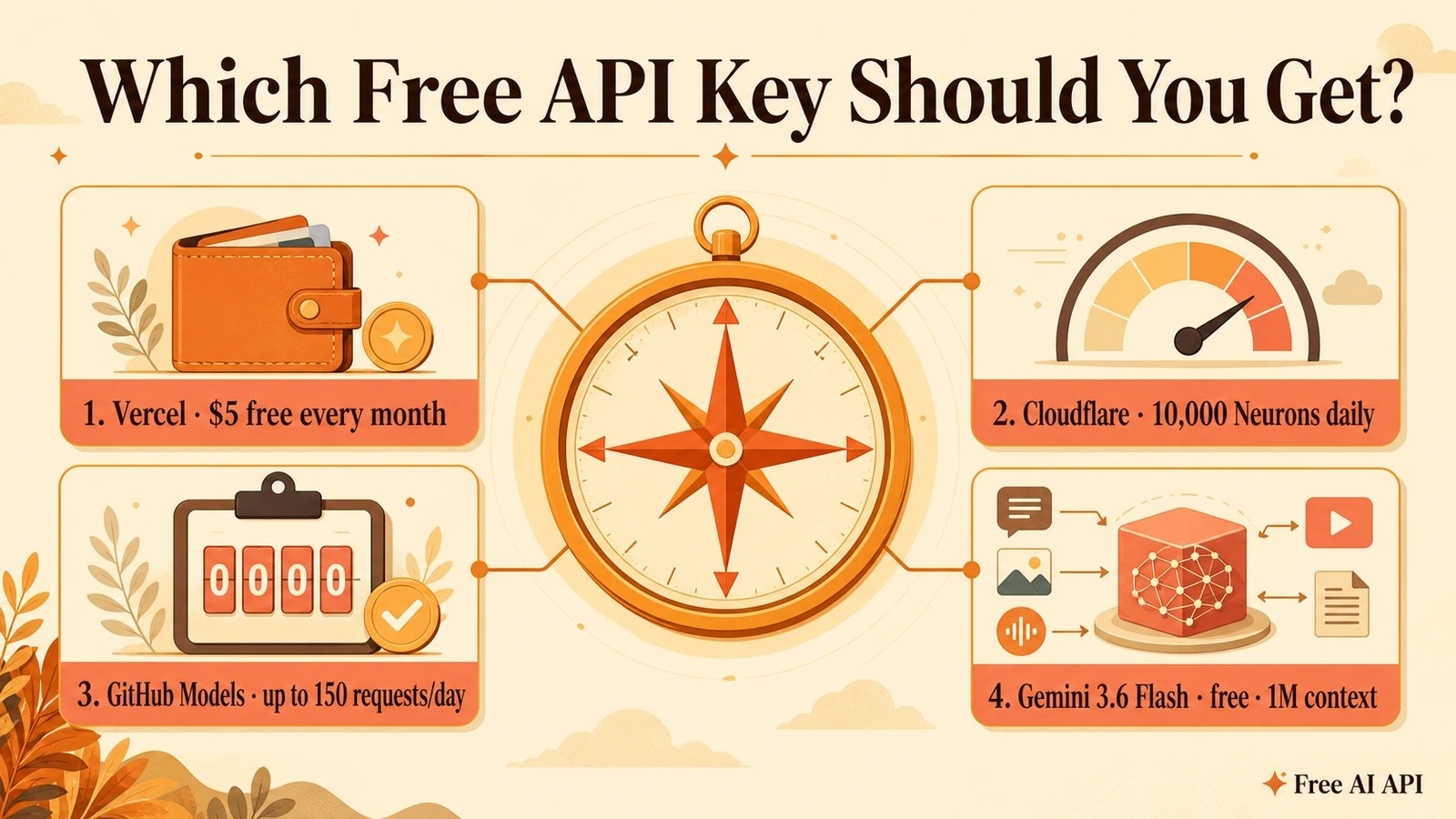
You don't need a credit card to start calling powerful AI models. This guide walks you through getting a free API key from the providers we feature, so you can paste it into the in-browser playground on any model page and run a prompt in seconds.
Every provider below offers a genuinely free tier and exposes an OpenAI-compatible /chat/completions endpoint, so the same code — and our playground — works across all of them.
OpenRouter
OpenRouter routes one API key to hundreds of models, including a set marked :free. It's the fastest way to try open models like DeepSeek R1 at zero cost, no credit card required.
Why pick it: one key for many models; a generous free pool on :free variants (around 20 requests/min, ~50/day); fully OpenAI-compatible.
Steps to get your key:
- Go to openrouter.ai and sign in with Google or GitHub.
- Open the Keys page from the top-right menu.
- Click Create Key, name it, and copy the
sk-or-...value. - Paste it into the playground's API key field on any model page.
Model id to use: append :free, e.g. deepseek/deepseek-r1:free.
GitHub Models
If you have a GitHub account you already have access to GitHub Models — a free, rate-limited API for popular models like GPT-4o mini, through a standard OpenAI-compatible endpoint.
Why pick it: no separate signup, no credit card; backed by your existing GitHub identity; great for quick experiments.
Steps to get your key:
- Sign in to github.com.
- Go to Settings, then Developer settings, then Personal access tokens, then Fine-grained tokens.
- Generate a new token (no special scopes needed for Models) and copy the
github_pat_...value. - Paste it into the playground as your API key.
Model id to use: e.g. openai/gpt-4o-mini. Free limits vary by GitHub plan.
Vercel
Vercel AI Gateway gives every account a recurring monthly credit you can spend across many models — including Claude and DeepSeek.
Why pick it: about $5 in credits every 30 days, no credit card to start; one key for many models; OpenAI-compatible Gateway endpoint.
Steps to get your key:
- Sign in at vercel.com.
- Open the AI Gateway section of your dashboard and create an API key.
- Copy the key and paste it into the playground.
Model id to use: e.g. anthropic/claude-3.5-sonnet or deepseek/deepseek-r1. The credit refreshes on the next 30-day cycle.
Your key stays yours
When you run a prompt in our playground, your key is sent once through our proxy to call the provider and is never logged or stored on our servers. If you tick "remember in this browser", it's saved only in your browser's local storage — clear it any time by unticking the box.