
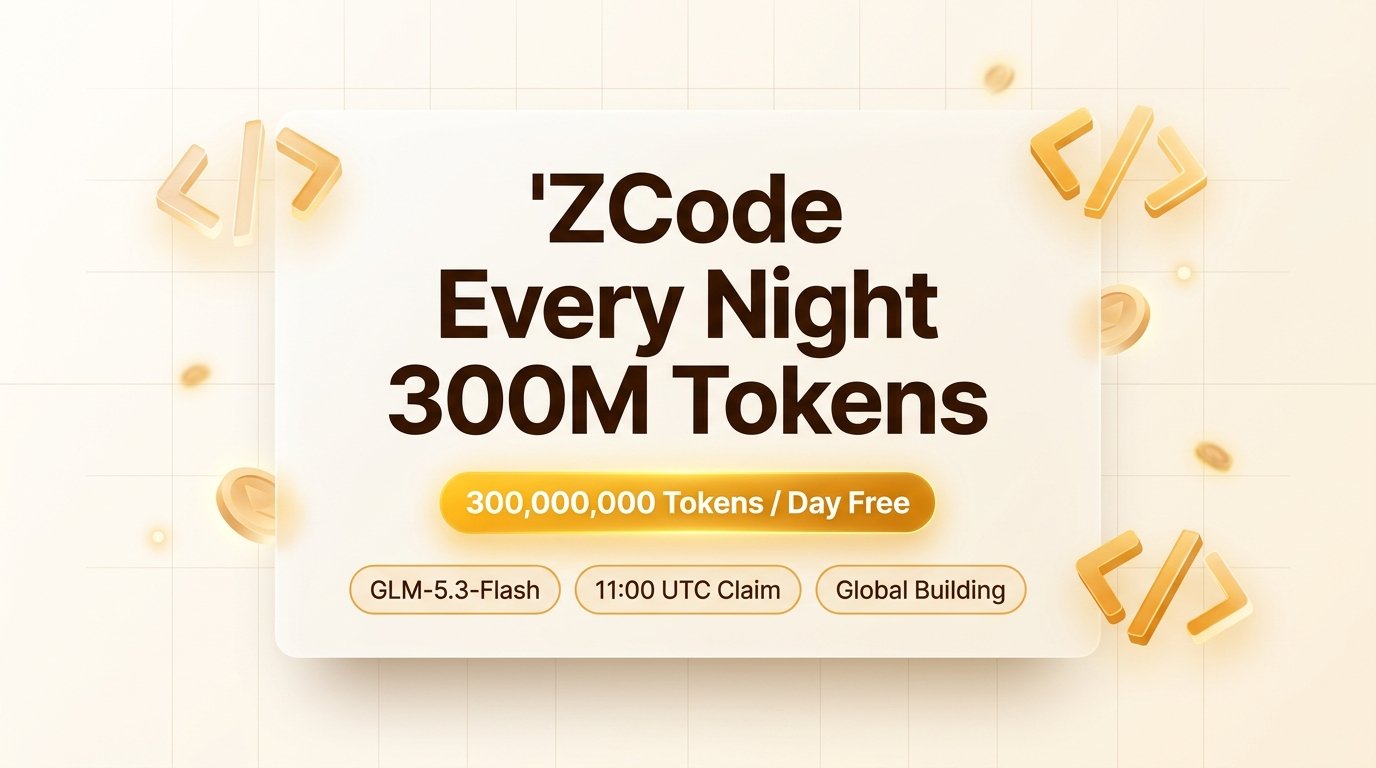
ZCode Every Night 300M Tokens: Put Off-Peak Compute to Work
Following its 500 million token giveaway for the 1024 Programmer's Day, ZCode, the official AI coding agent client powered by Zhipu AI, announced an even bigger perk: turning off-peak compute rewards into a permanent daily routine. Starting immediately, developers worldwide can claim 300 million (300M) GLM-5.3-Flash tokens inside the client every night for automated full-repository building and codebase engineering.
💡 Key Highlights
- 🎁 300M Free Tokens Daily: Open to all developers, offering 300M high-speed GLM-5.3-Flash tokens every single day.
- ⏰ Precise Off-Peak Schedule: Claim opens daily at 11:00 UTC (19:00 Beijing Time), unlocks for active use at 15:00 UTC (23:00 Beijing Time), and resets unused balances at 01:00 UTC the next morning (09:00 Beijing Time). Repeated every day.
- ⚡ Strict 3-Concurrency Cap: Community testing confirms a hard limit of 3 concurrent tasks on free tier. Avoid launching excessive parallel tasks to prevent disconnects or rate limits.
- 🛠️ In-App Global Building Collaboration: Update to the latest ZCode client, claim in-app, switch your active mode to Global Building, and select GLM-5.3-Flash to run codebase-wide agentic workflows.
- ⚠️ Native Client Quota: Compute is exclusively dedicated to the native ZCode desktop client and does not issue standalone external OpenAI-compatible API keys.
🔥 1. Promotion Details
1. From Occasional Giveaways to Permanent Off-Peak Traffic
Developers have often seen frontier model providers host weekend or holiday compute giveaways. However, ZCode's 300M daily token initiative signals that compute operations are entering a refined era of off-peak traffic optimization.
During the daytime, enterprise production workloads push GPU clusters to peak capacity. Late at night, enterprise traffic recedes dramatically. ZCode capitalized on this off-peak window by opening reservations at 11:00 UTC and locking usage between 15:00 UTC and 01:00 UTC. This curbs datacenter idle waste while giving developers free, abundant engineering horsepower.
2. Can You Actually Burn 300 Million Tokens Every Night?
GLM-5.3-Flash is Zhipu's high-throughput model built on a 320B-parameter (18B active) hybrid attention MoE architecture, featuring a 1-million-token context window.
While 300M tokens theoretically suffice to refactor multiple massive repositories or generate full unit test suites, the hard 3-concurrency cap and the 10-hour nighttime window make it virtually impossible for a developer to exhaust the entire quota in a single night. Do not stress over trying to burn through every token. Treat it as a dependable, free night-shift engineering assistant.
3. The Evidence: OpenRouter's Top Model in Security Audit
ZCode's willingness to distribute massive compute every night is backed by GLM's proven track record in demanding production environments.
According to the latest spend breakdown published by OpenRouter, Zhipu's GLM 5.3 captured 27.8% of all developer spend in Security Audit tasks, ranking #1 globally. It outpaced second-place Kimi K3 (10.7%) and third-place DeepSeek V4.1 Flash (10.5%). When including fourth-place GLM 5.3 Prime (3.9%), Zhipu models command over 31.7% of total market expenditure in security audits.
Security auditing is one of the strictest benchmarks for model precision. Global developers voted with real money, making GLM their top choice for mission-critical workflows. Backed by this proven capability, Zhipu launched the daily 300M token off-peak initiative to let developers experience frontier code intelligence completely free through ZCode's Global Building mode.
🛠️ 2. How to Claim
Claiming and deploying your nightly compute is entirely self-contained within the ZCode client:
Step 1: Register via the Dedicated Channel & Install ZCode
New users are encouraged to sign up through the author's official invitation link https://zcode.z.ai/invite/XVJNUH5K (Invite Code: XVJNUH5K) to secure newcomer benefits and community privileges.
After signing up, download the installer for your operating system from zcode.z.ai. ZCode natively supports macOS (Apple Silicon and Intel), Windows, and Linux. If you already have the client installed, update to the latest version to ensure Global Building and claim banners load properly.
Step 2: In-App Reservation
Starting daily at 11:00 UTC (19:00 Beijing Time), open the ZCode client and log in. Click the banner in the top notification bar or event modal to claim your 300M compute pack for the evening. Upon claiming, the interface will confirm that the balance activates at 15:00 UTC (23:00 Beijing Time). Supplies are limited on a first-come, first-served basis.
Step 3: Switch to Global Building Mode & Begin Coding
Once the balance unlocks at 15:00 UTC (23:00 Beijing Time):
- Open your project workspace in ZCode;
- Switch your task mode to Global Building;
- Select GLM-5.3-Flash from the model dropdown;
- Prompt your task. ZCode's agent network will draw from the nightly 300M pool, analyzing dependencies across files, generating patches, and building the project.
⚠️ 3. Usage Recommendations
Keep these three key recommendations in mind:
1. Limit Concurrency (Keep at ≤3) to Prevent Disconnects
Community testing reveals that ZCode enforces a hard limit of 3 concurrent tasks on the free tier. Running too many parallel agent sessions or multiple windows triggers frequent rate limits and connection drops, causing in-flight tasks to abort. Focus on a single task or at most two concurrent runs.
2. Daily Reset Without Rollover: Launch Overnight Long Tasks
The 300M tokens are valid only between 15:00 UTC and 01:00 UTC. At 01:00 UTC, unconsumed balances reset to zero. The best workflow is to batch intensive tasks or launch long-running agent workflows in /goal mode right before going to bed.
3. Native In-App Use with Custom Endpoint Support
This compute pool is exclusive to the ZCode desktop client and does not issue external API keys. Run your development directly inside ZCode's workspace. ZCode also supports custom OpenAI-compatible endpoints, making it a versatile daily driver alongside Cursor, Claude Code, Codex, and Pi.
📬 Stay Updated with Free AI API
To discover high-value AI compute drops, off-peak routines, 0-dollar APIs, and price cuts as soon as they launch, follow freeaiapi.org. We continuously track and verify compliant, card-free free resources for developers worldwide.
💡 New to ZCode? Check out our evergreen guide: What is ZCode? Download, CLI, Free Quota & API Guide for installation steps, CLI status, and architecture.
Community Feedback
Comments are tied to your GitHub account — sign in to join the discussion.